
Gemini Review 2026 — The AI Already Inside Google Docs
Gemini review 2026: Google's AI assistant tested on writing, research, and Workspace integration. Free vs Advanced plan, honest comparison with ChatGPT.
Who is this for?
For Google Workspace users (Gmail, Docs, Sheets, Drive) deciding whether Gemini is worth using, or anyone comparing Google's AI against ChatGPT and Claude.
Google’s AI has a home-field advantage that ChatGPT and Claude cannot match
Gemini is Google’s AI assistant. In 2026, it is the third major player alongside ChatGPT and Claude, and it has one clear advantage neither competitor can match: it is built into the Google products most people already use every day.
If your work happens in Gmail, Google Docs, Google Sheets, and Google Drive, Gemini is the most convenient AI assistant available — not because it is more capable than the others, but because it is already there.
What Is Gemini?
Gemini is Google’s AI assistant, available at gemini.google.com. The free tier gives access to Gemini 1.5 Pro with generous daily limits. Gemini Advanced ($20/month, included with Google One AI Premium) gives access to Gemini 1.5 Ultra — Google’s most capable model.
Gemini is also embedded directly into Gmail, Docs, Sheets, and other Google Workspace apps. This integration is the main reason to consider it even if you already use ChatGPT for standalone tasks.
Who Should Use Gemini?
- ✅ Spend most of your work day in Gmail, Google Docs, or Google Sheets
- ✅ Want AI assistance that works inside your existing tools without switching tabs
- ✅ Already pay for Google One and want to activate AI features at no extra cost
- ❌ Need the highest writing quality available — Claude produces noticeably more polished long-form output
- ❌ Do not use Google Workspace — the integration advantage disappears outside that ecosystem
What Gemini Can Do in 2026
Gmail integration
Gemini can draft email replies in Gmail based on the thread context, summarize long email chains, and suggest responses. For people who spend hours in email, this is the most immediately useful feature. Ask it to “draft a reply apologizing for the delay and confirming the meeting for Thursday” and it writes the email, formatted and ready to send.
Google Docs writing assistance
Inside Google Docs, you can ask Gemini to draft, rewrite, or summarize content without leaving the document. The output appears as a suggestion you can accept, edit, or reject. For document-heavy roles, this is the most frictionless AI writing integration available.
Google Sheets data analysis
Gemini in Sheets can write formulas, explain existing formulas, and analyze data ranges. This is practical for people who use spreadsheets regularly but are not expert formula writers. Ask it to “calculate the percentage change between columns B and C for each row” and it writes the formula with an explanation.
Deep Research (Gemini Advanced)
Gemini Advanced includes Deep Research — a feature that conducts multi-step research on a topic, browses multiple sources, and produces a detailed report with citations. For research-heavy work, this is the most substantial premium feature.
Multimodal input
Gemini can process images, audio, video, and text. Upload a photo of a document and ask it to extract specific information. Upload a chart and ask for an interpretation. This broader input range is an area where Gemini has an advantage over Claude’s text-only approach.
Gemini Pricing in 2026
| Plan | Price | What you get |
|---|---|---|
| Free | $0 | Gemini 1.5 Pro, generous daily limits |
| Google One AI Premium | $20/month | Gemini Advanced (1.5 Ultra), Workspace integration, 2TB storage |
| Workspace add-on | From $30/user/month | Gemini for business, advanced data protection |
The $20/month Google One AI Premium plan includes 2TB of Google storage plus all Gemini Advanced features. If you are already paying for Google One storage, the upgrade to AI Premium adds Gemini Advanced at minimal extra cost.
Output Quality: Honest Assessment

For general tasks — email drafts, document summaries, research questions — Gemini produces solid output. It is not as polished as Claude for long-form writing, and it does not have ChatGPT’s breadth of community resources and plugins.
Where Gemini earns its place: convenience inside Google products. If the task is in Docs or Gmail, doing it with Gemini means zero friction. The context is already there — the email thread, the document, the spreadsheet. For ChatGPT or Claude, you would need to copy the content, switch to another tab, get the output, come back, and paste it. Over a full work day, that friction adds up.
The honest assessment: Gemini is not the best AI assistant for raw output quality, but it is the best AI assistant for people whose work lives inside Google Workspace.
Pros and Cons

- ✓ Deep integration into Gmail, Docs, Sheets, Drive — no context switching
- ✓ Free tier is genuinely useful with high daily limits
- ✓ Multimodal: handles images, audio, and video alongside text
- ✓ Deep Research (Advanced) produces well-sourced multi-step research reports
- ✓ Google One AI Premium bundles 2TB storage with AI features — good value
- ✓ Can search the web and provide citations by default
- ✗ Writing quality for long-form content is noticeably lower than Claude
- ✗ Less community resources, tutorials, and prompt libraries than ChatGPT
- ✗ The Workspace integration advantage disappears if you do not use Google tools
- ✗ Some features are Workspace-only or Advanced-only
- ✗ Less reliable than Claude for following complex, multi-constraint instructions
Gemini vs ChatGPT vs Claude
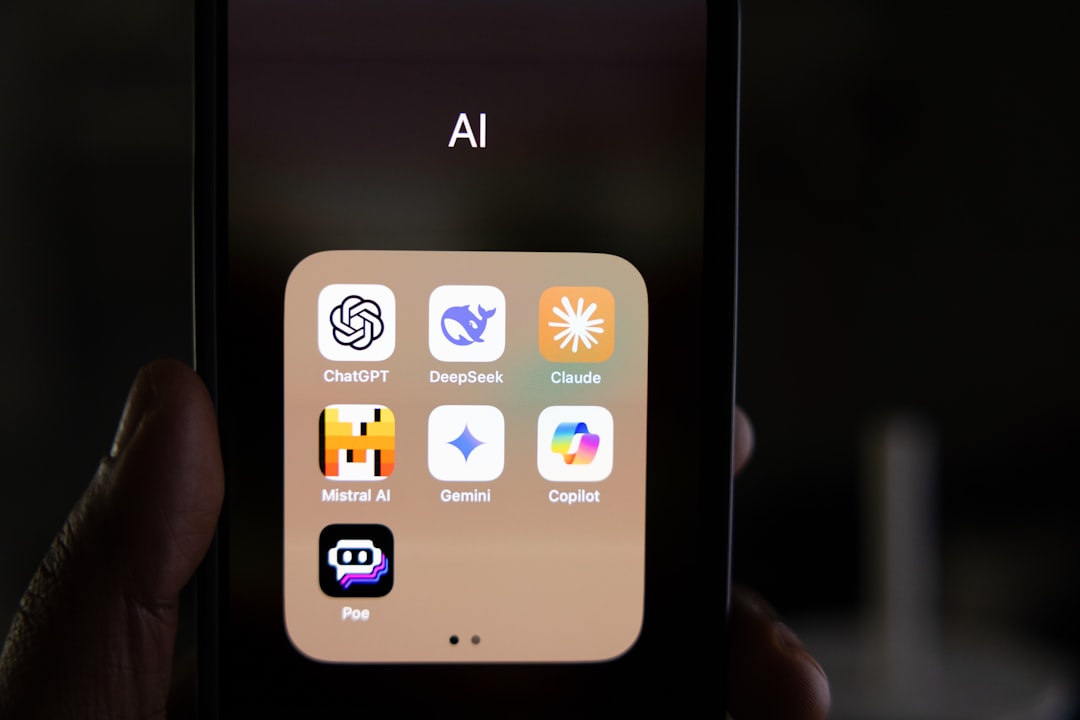
The honest comparison:
- For best writing quality: Claude
- For most versatile tool with image generation + voice: ChatGPT Plus
- For Google Workspace users: Gemini, without question

Our Verdict
Gemini earns a 4.3 — a solid tool that is the clear choice for Google Workspace users and falls short of the top rating because its writing quality lags behind Claude and its general capabilities lag behind ChatGPT Plus.
The free tier is worth activating simply to test it in Gmail and Docs. If you are already in those tools, the integration benefit is real and immediate. If you are not, ChatGPT or Claude will serve you better.
Try Gemini free → — free tier available, no credit card required.
You might also like

Best Free AI Tools in 2026 — Full Comparison
Frequently Asked Questions
Q: Is Gemini free to use? A: Yes. Gemini has a free tier at gemini.google.com with access to Gemini 1.5 Pro and generous daily limits. No credit card required. Gemini Advanced ($20/month as part of Google One AI Premium) adds the most capable models and deeper Workspace integration.
Q: Is Gemini better than ChatGPT? A: For Google Workspace users, Gemini’s integration gives it a practical advantage for daily tasks. For raw capability and versatility — especially with image generation and voice — ChatGPT Plus leads. Most comparisons are task-dependent; read our full comparison for specific results.
Q: Does Gemini work with Google Docs? A: Yes. Gemini is embedded into Google Docs (as well as Gmail, Sheets, and Drive) for users with a Google One AI Premium subscription. In Docs, you can ask Gemini to draft, rewrite, or summarize content without leaving the document.
Q: What is the difference between Gemini and Gemini Advanced? A: The free Gemini tier uses Gemini 1.5 Pro. Gemini Advanced ($20/month) uses Gemini 1.5 Ultra — Google’s most capable model — and adds Deep Research, longer context, and full Workspace integration features. The free tier is sufficient for most casual users.